No more waiting
Tap Create and the image is back in seconds, created directly on your phone. No upload, no queue, no spinner that lies to you
Imagine · Sketch · Create · Inspire
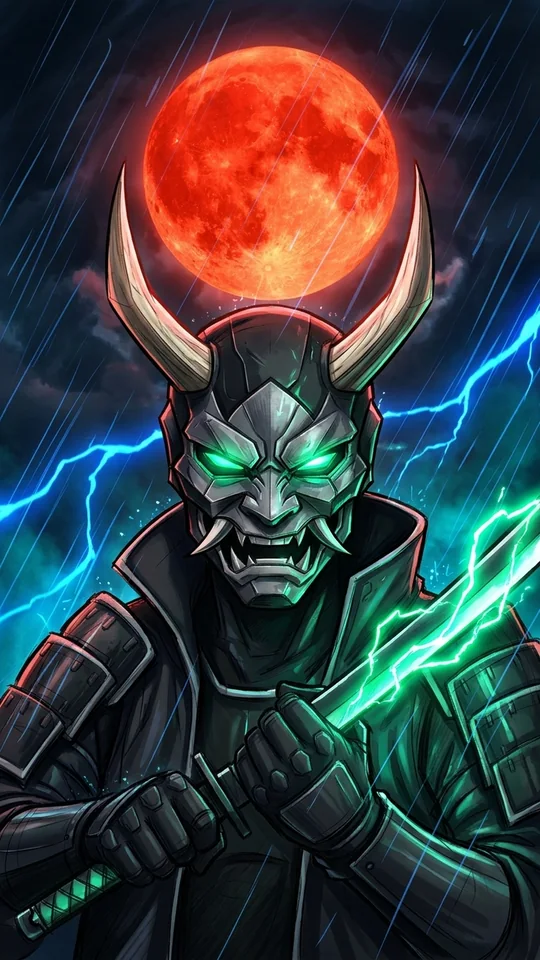
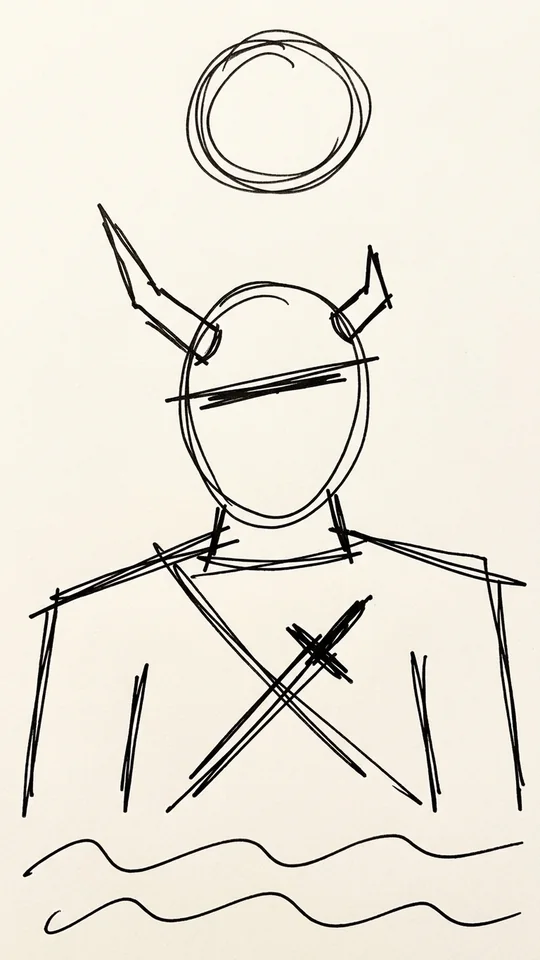
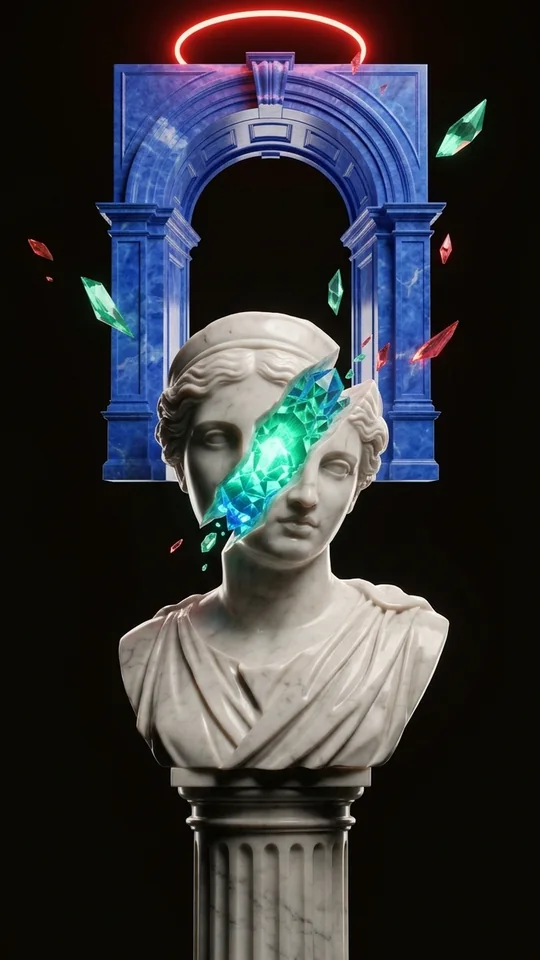
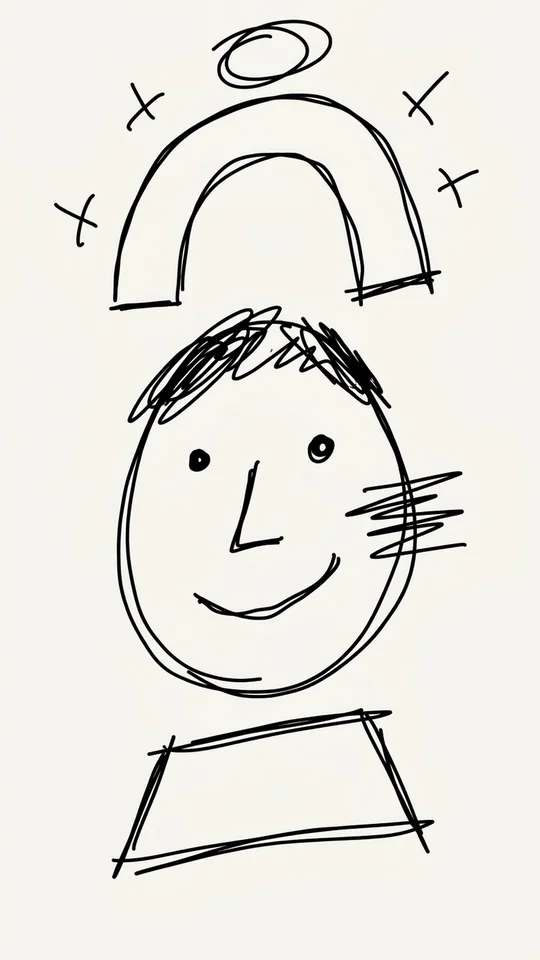
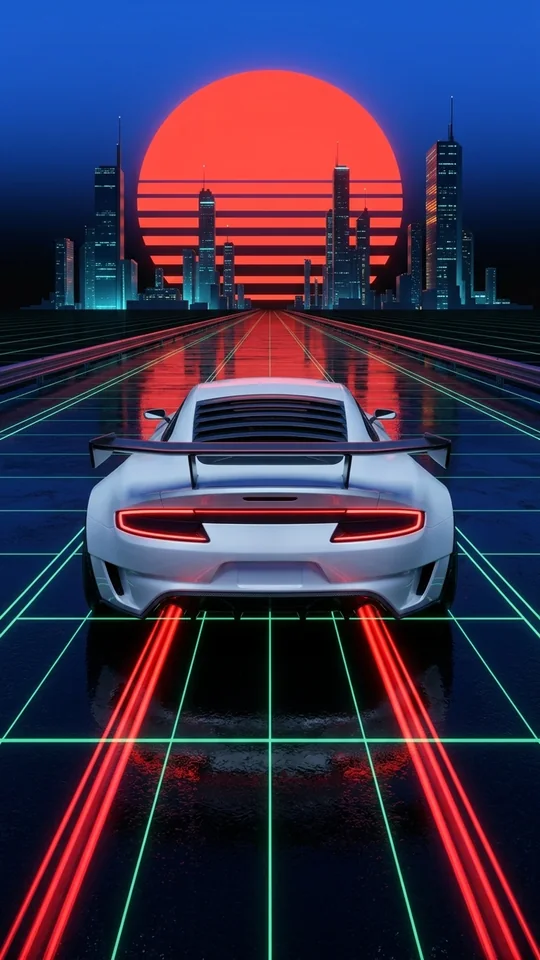
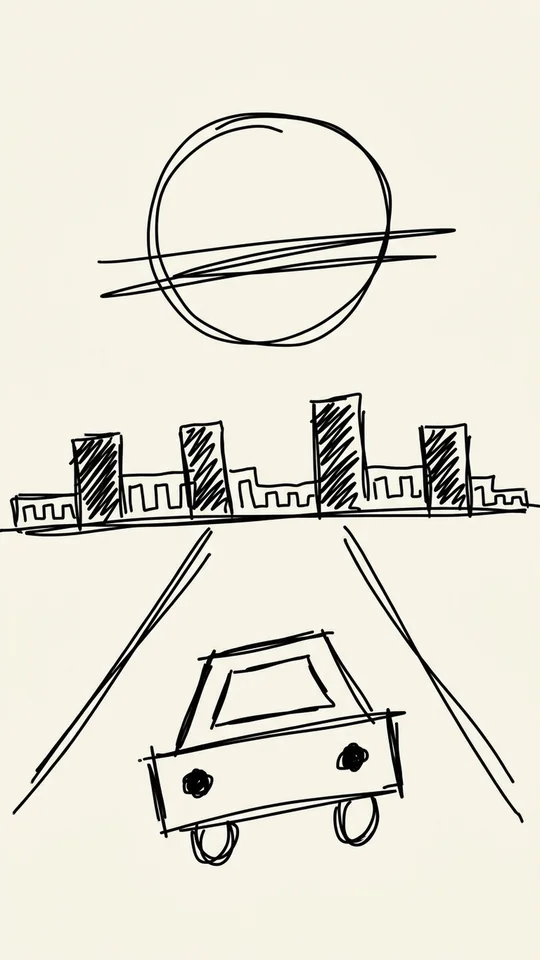
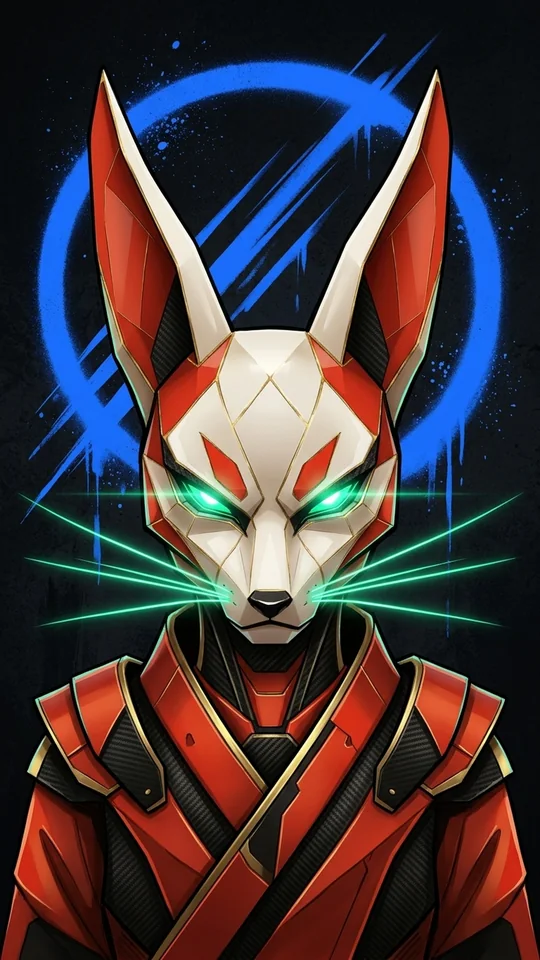
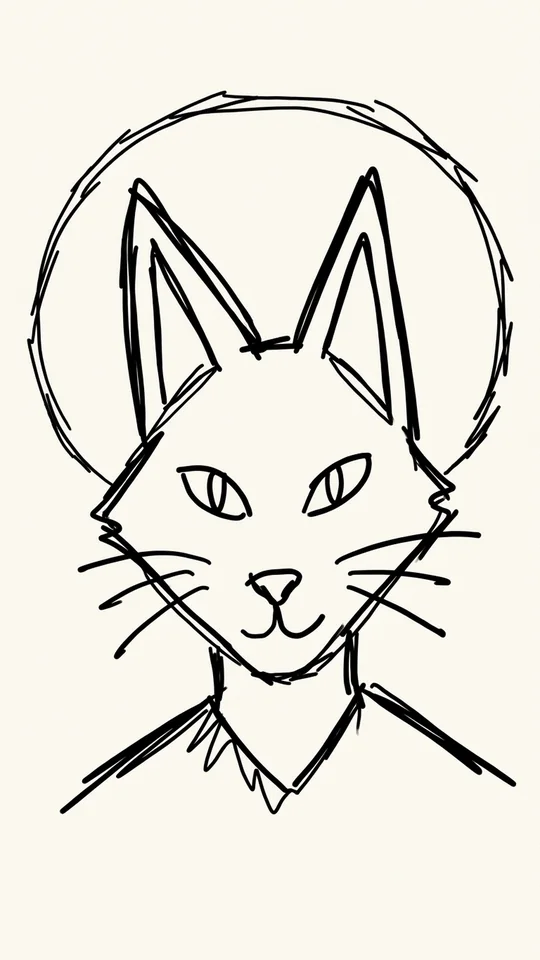
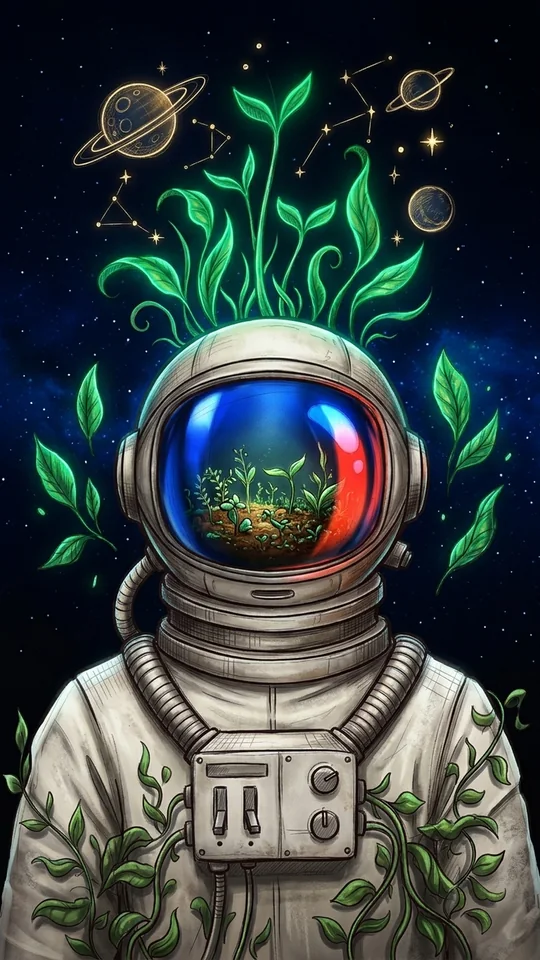
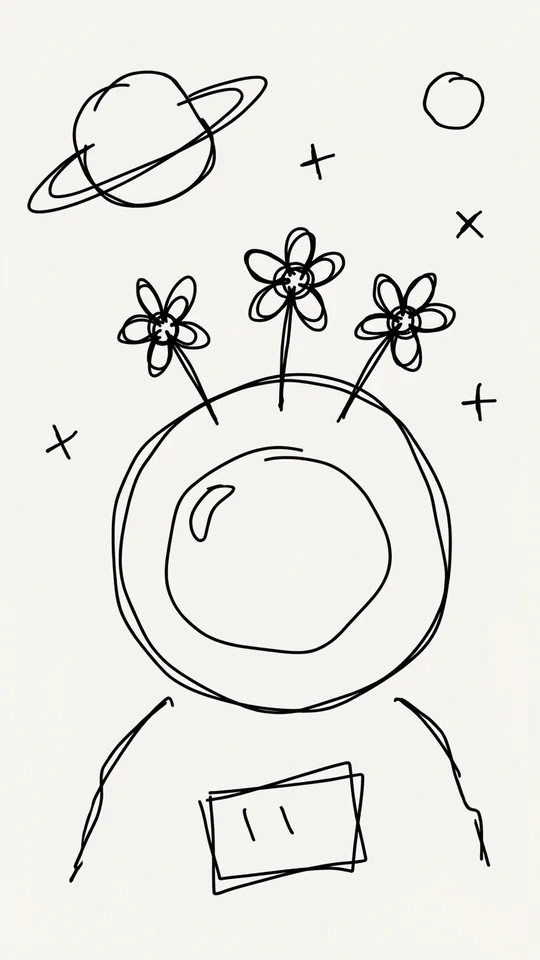
Draw a sketch, tap Create, and watch it transform into an HD image in seconds. Mouseion is fast, private, and 100% on your phone
Try it: drag the curtain, click ▶ Morph to watch the video bloom, ✎ Draw to sketch, or tap ✦ Create.
How it works
From sketch to finished image in three steps. Your lines guide the composition. No wall-of-text prompt engineering, no upload queue
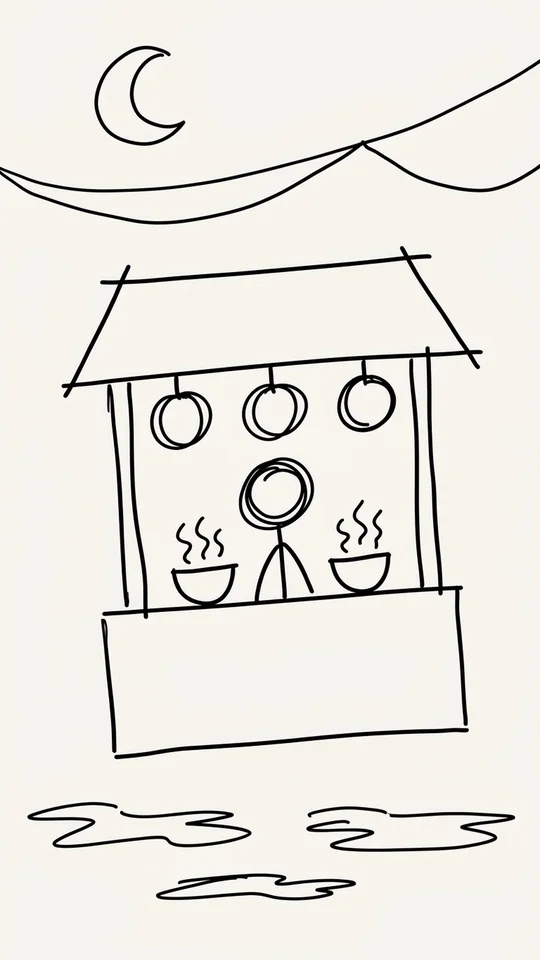
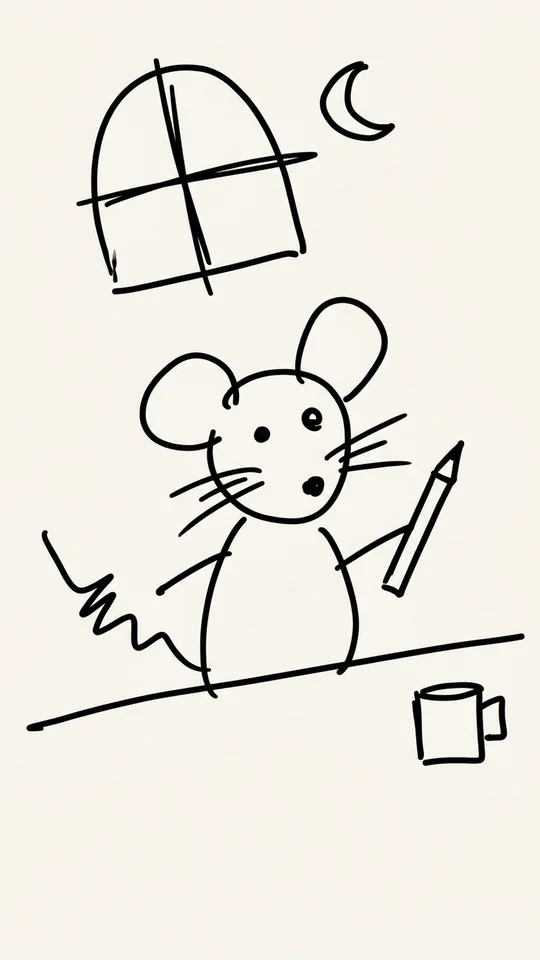
Sketch on the tactile paper canvas with Apple Pencil, S Pen, or your finger. Stick figures and napkin outlines welcomed
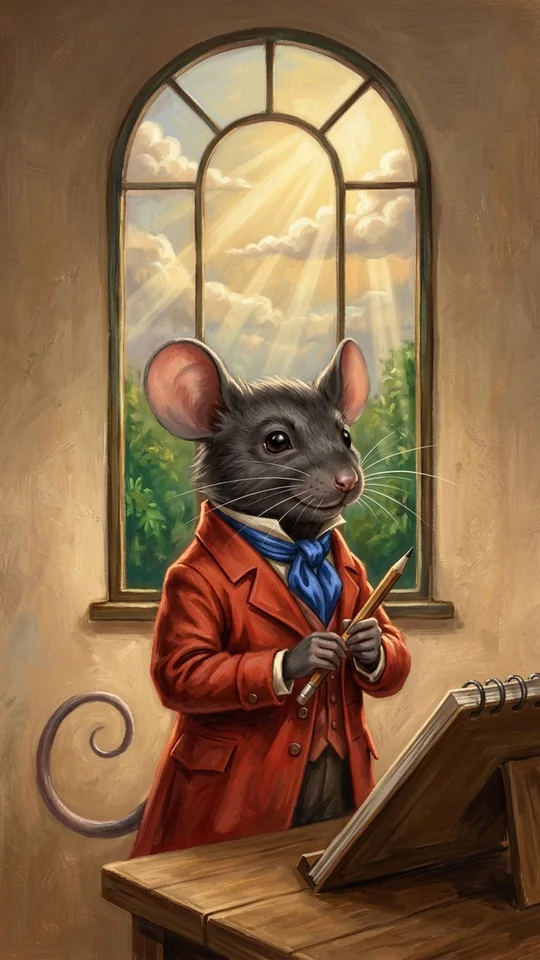
Tap once. Mouseion turns your sketch into a Moo in seconds
Every Create mints a new version (V1, V2, V3) organized inside project Tiles so you can compare and refine
Interactive Pipeline
Click any step below to inspect how Mouseion transforms your rough finger-drawn sketch into high definition on your phone without uploading a byte
Step 6/6 · Finished Moo — Screened locally and saved straight into your Tile.
Runs on your phone
Creation happens right on the device. That is what makes it quick, keeps your image yours, and works at 35,000 feet with zero signal
Tap Create and the image is back in seconds, created directly on your phone. No upload, no queue, no spinner that lies to you
Your images are yours. Draw and create the images you want whenever and do what you want with them wherever
On-device creations are free. Because your phone’s own chip does the work
Some images need extra horsepower. Pro will add optional highest possible quality, chosen explicitly per Create
Tiles & Mouseion
Each creation is a Moo. Every Moo lands in a Tile, one of your projects, with its versions hanging side by side. And when you want inspiration, Mouseion's built-in community gallery of sketch + artwork pairs is one tap away. Click any card to flip between Sketch and Moo